
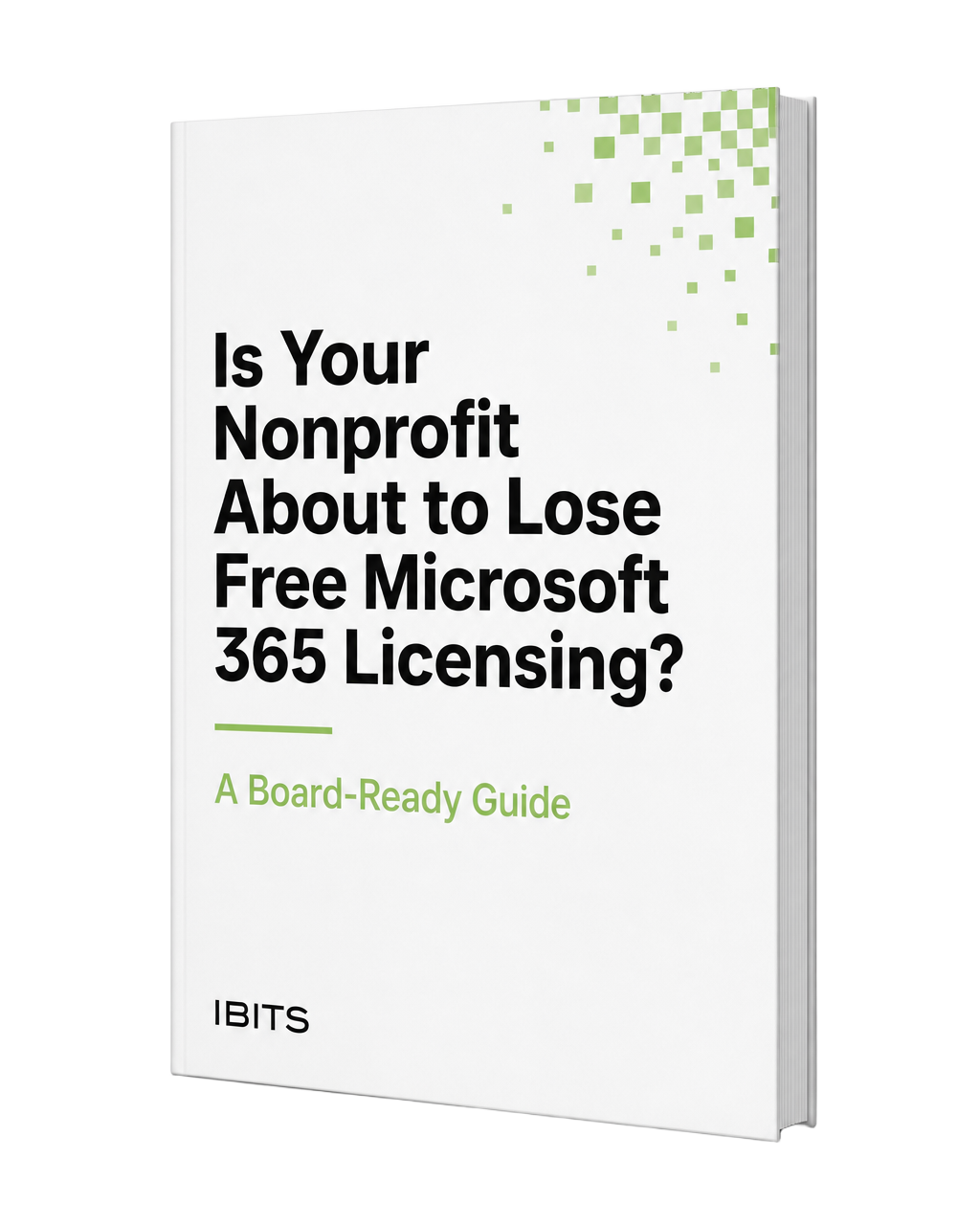
Is Your Nonprofit About to Lose Free Microsoft 365 Licensing?
Microsoft's nonprofit licensing program is changing. This free, board-ready guide explains what's different, what it may mean for your budget, and how to prepare.
- Understand the licensing changes in plain language
- See how different Microsoft 365 tiers may affect your budget
- Get board-ready language you can use immediately
Get Your Free Guide
Enter your details and the guide will download instantly.
A Licensing Change Shouldn't Become a Budget Surprise
Organizations that relied on free or heavily discounted Microsoft 365 licenses may find certain licenses moving to paid tiers — often unnoticed until a renewal invoice arrives.
Licensing Changes
Understand which Microsoft 365 plans may be affected.
Budget Impact
See how per-user licensing changes can affect your annual IT budget.
Board Preparation
Get clear language to help explain the change and proposed solution to your board.
What's Inside the Free Guide
Microsoft 365 Tiers at a Glance
Business Basic
Web and mobile Office apps, email, Teams, cloud storage
Business Standard
Everything in Basic, plus desktop Office applications
Business Premium
Everything in Standard, plus advanced security and device management
Not every employee necessarily needs the same Microsoft 365 license. The guide helps nonprofits evaluate whether a mixed-tier approach could make sense.
Want Real Numbers for Your Organization?
IBITS offers a free 20-minute Nonprofit Licensing Review. We'll look at your current Microsoft 365 license mix and help you understand where you may be able to reduce costs while keeping the tools your team actually needs.
Book a Free Licensing Review